Virtual Tattoo Simulator
Get a quick idea of how a design could sit on your body before you commit. Upload a photo, pick a design, adjust its size, rotation and opacity, then talk to our artist about a custom version. Your photo stays on your device and is never uploaded to our server.
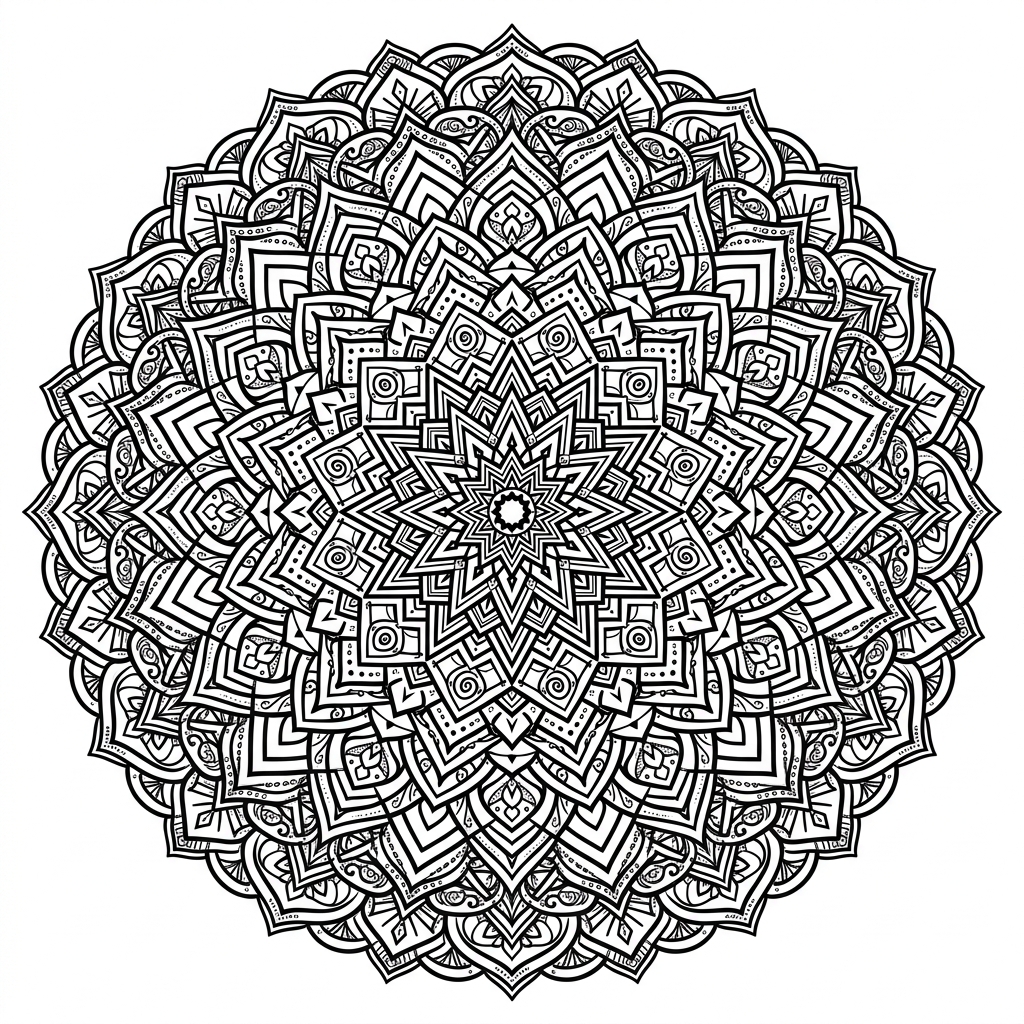
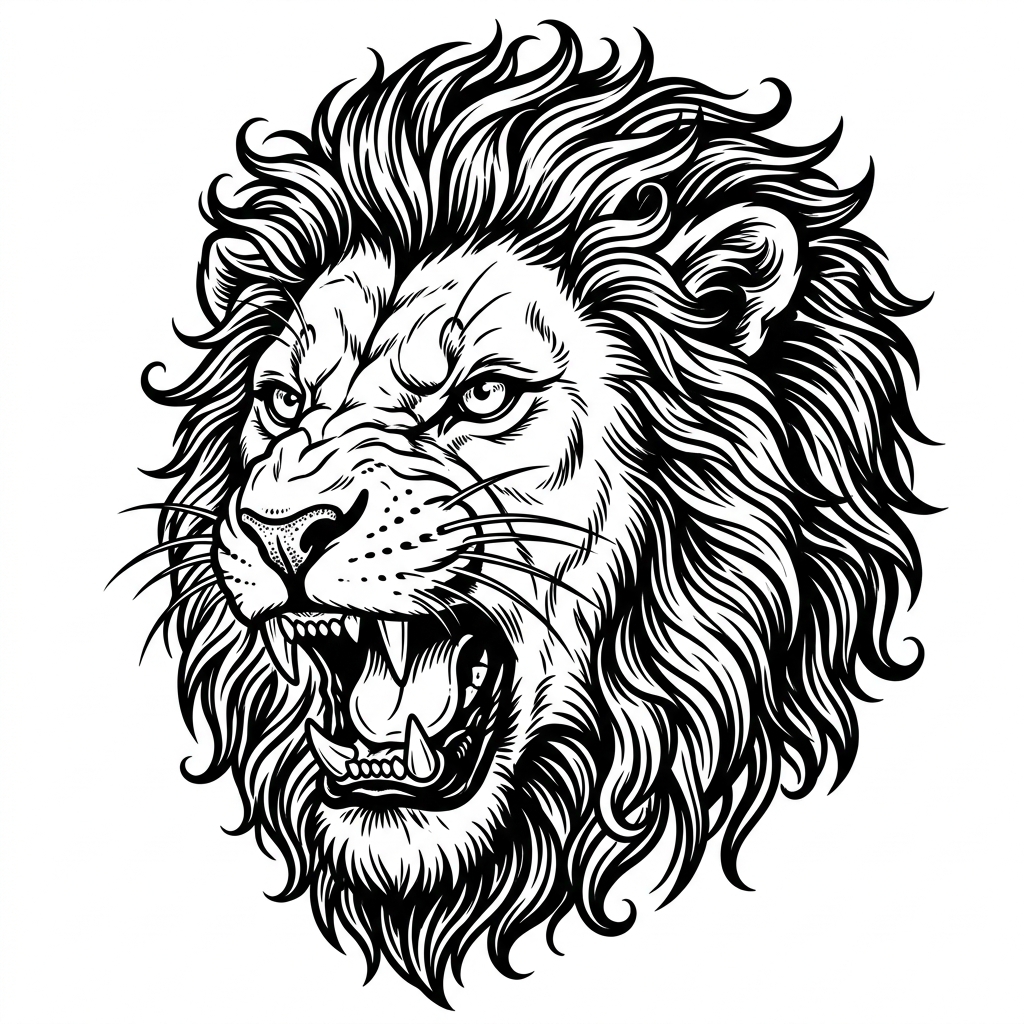
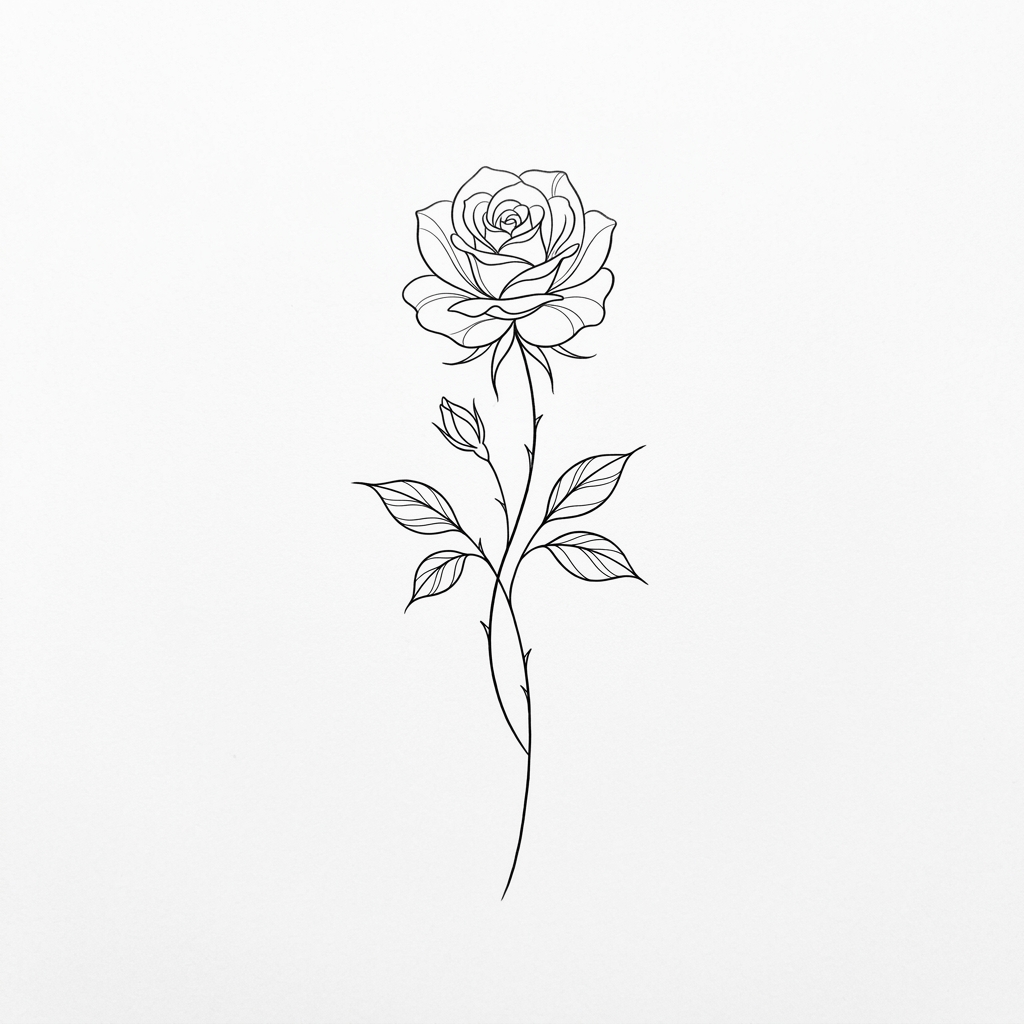
1. Select Tattoo Design
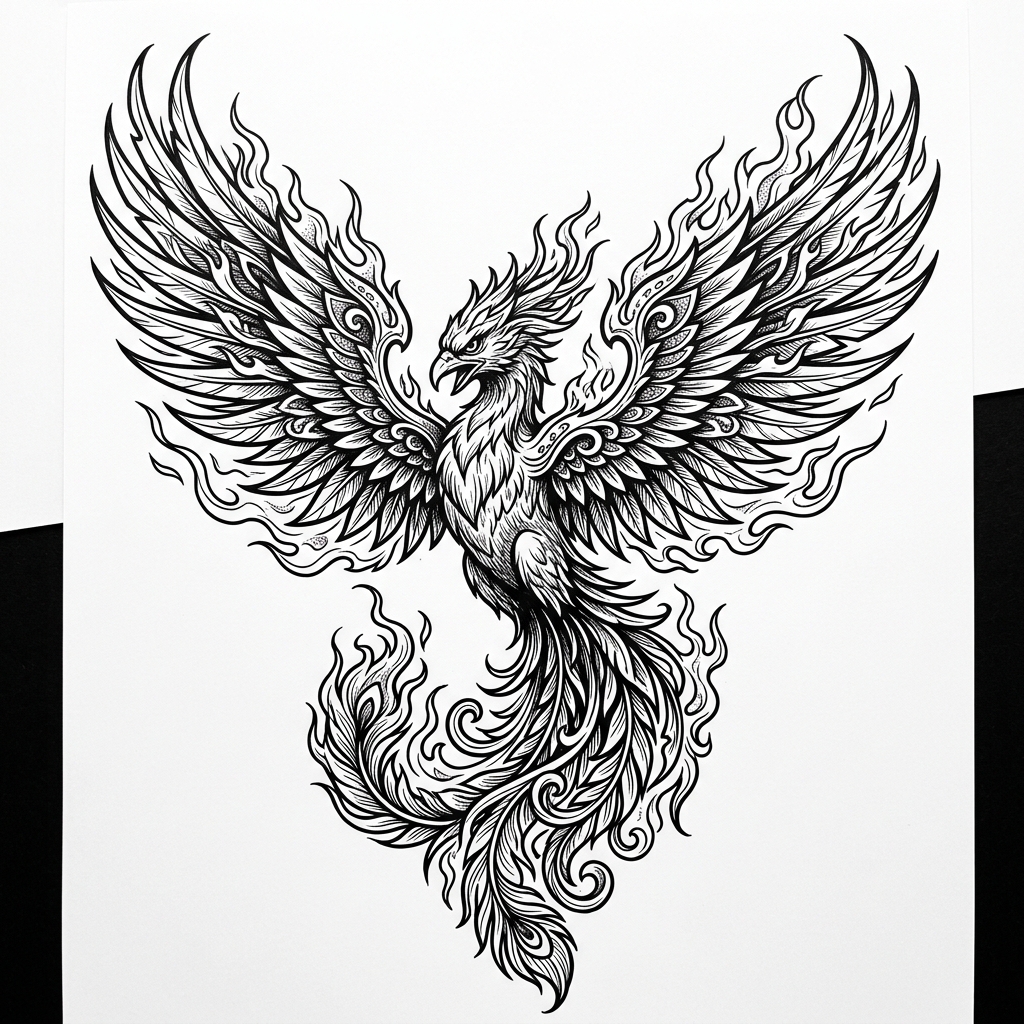
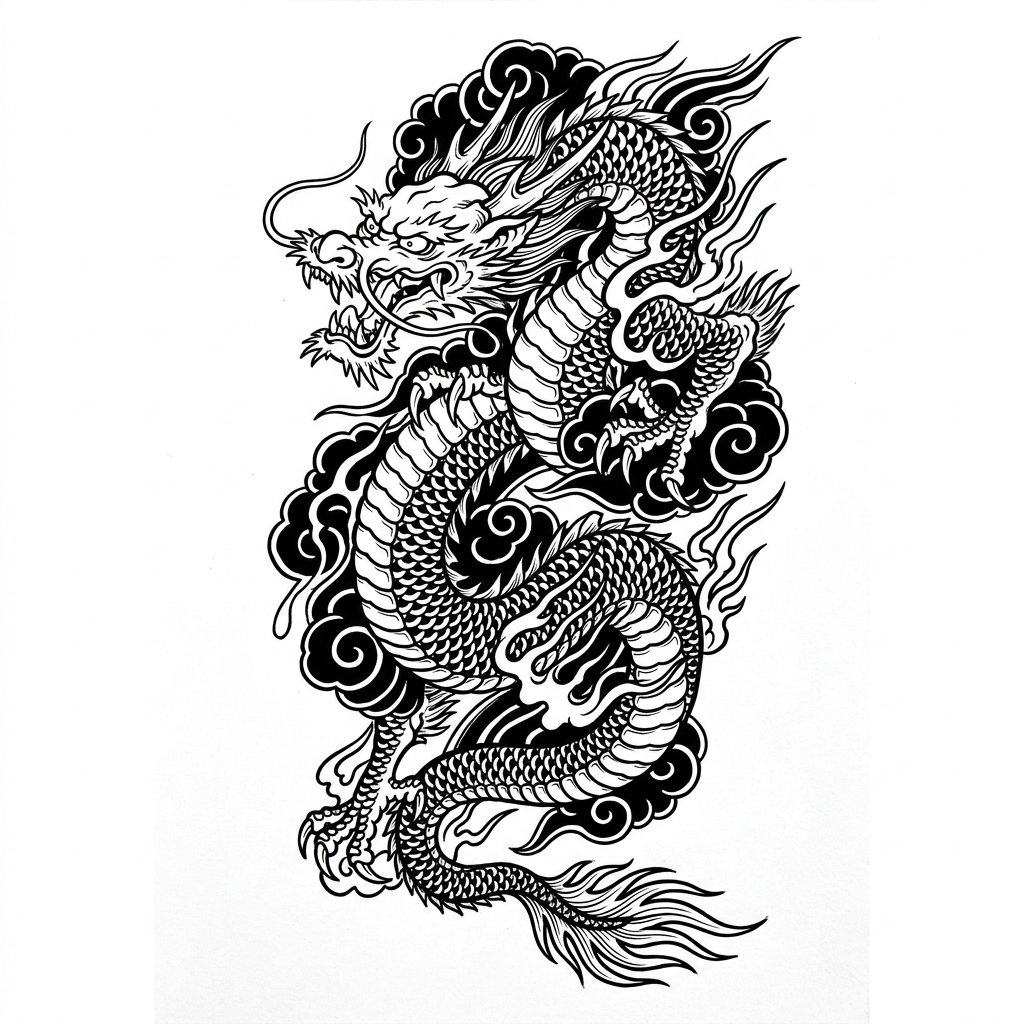
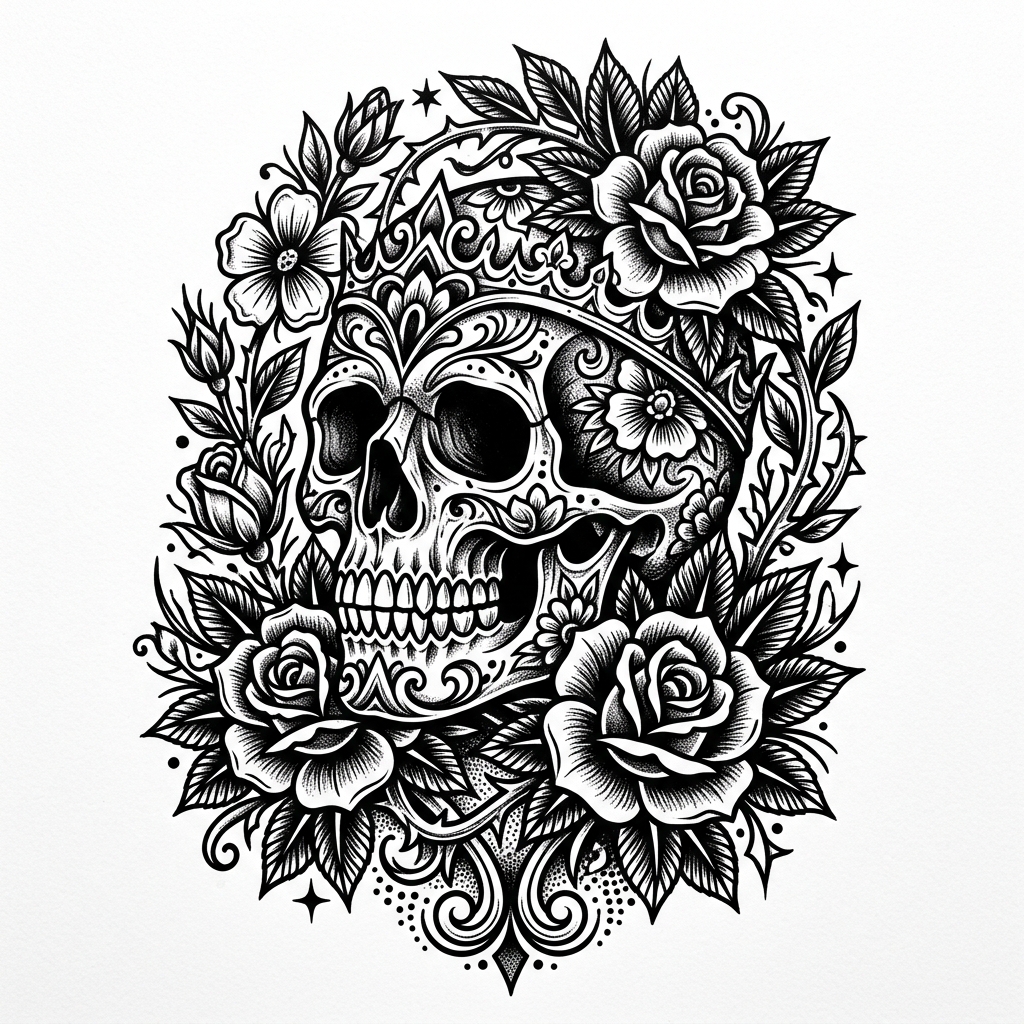
2. Adjust Position & Scale
How to Get a Useful Preview
- Take the photo in daylight, with the area you want tattooed facing the camera straight on. Angled photos make designs look stretched.
- Keep the skin relaxed. A flexed forearm or calf changes shape, and the tattoo will look different when you move.
- Drag the design into place, then use the size slider. Compare it with something familiar, like the width of your wrist or a coin, to judge the real size.
- Lower the opacity to around 70–80% to get closer to how healed black ink looks on Indian skin tones. Fresh tattoos look darker and sharper than healed ones.
- Save a screenshot and bring it to your consultation. Our artist will redraw the design to fit your body properly.
What a Preview Cannot Show You
A flat overlay is a starting point, not a final design. Real skin curves around muscle and bone, so a design that looks perfect on a photo may need to be stretched, simplified or rotated to flow with your body. Very fine details that look crisp on screen can blur together over the years if the design is too small, so our artists often suggest going slightly bigger than you first planned.
Placement also changes how much a tattoo hurts and how well it heals. Outer arms, shoulders and calves are usually the most comfortable spots for a first tattoo, while ribs, spine, feet and hands are more sensitive and fade faster. Read our tattoo pain chart and placement guide and first tattoo guide before you book.
Privacy: the simulator runs entirely in your browser. Your photo is not uploaded, stored or shared. Closing or refreshing the page removes it.